

What a meter contains
The meters list showing name, linked asset, unit, current value, and last reading date
Linking meters to assets
Every meter is created against a specific asset, and an asset can have multiple meters. A single air handler might track:- Runtime in hours — how long the unit has operated.
- Supply air temperature in °C — whether it is delivering design conditions.
- Filter differential pressure in Pa — when filters are loading up.
An asset detail page listing its meters with current values
Reading history and trends
Each reading is stored with its value and date, building a history you can review as a list or a trend chart. Trends turn individual numbers into insight: a slowly climbing bearing temperature or a filter pressure that rises faster than last quarter tells you something is changing before it becomes a failure.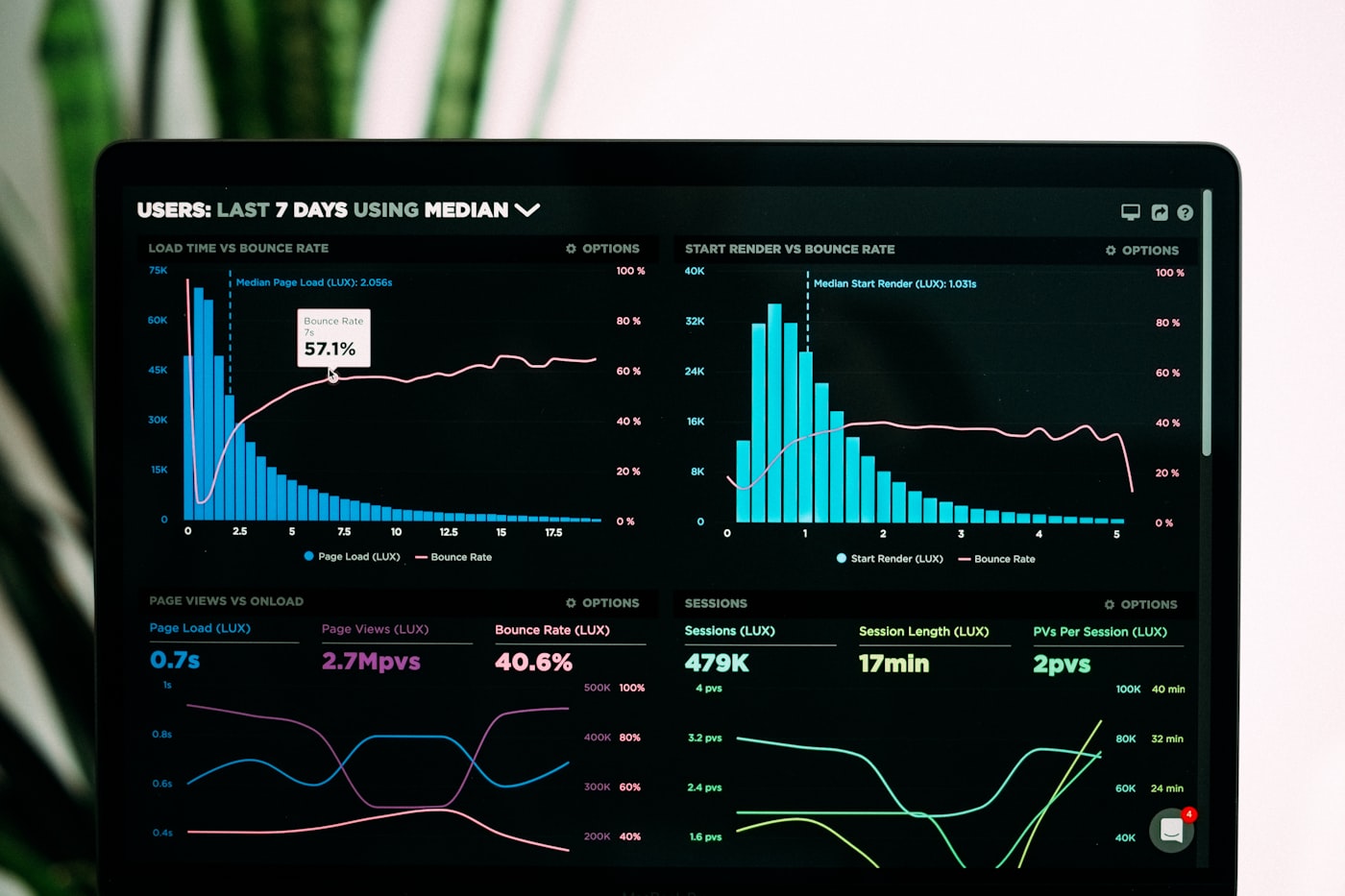
A meter's reading history displayed as a trend chart
How teams use meters
- Condition awareness — spot drift in temperatures, pressures, or vibration-related values before equipment fails.
- Usage tracking — runtime and cycle counts show how hard each asset actually works, informing maintenance and replacement decisions.
- Documentation — recorded readings become part of the asset’s record, supporting warranty claims and audits alongside work order history.
Readings are recorded manually on web or mobile — see Recording Readings. For high-frequency automated telemetry, FacilityLane’s IoT monitoring ingests sensor data separately from manual meters.
Next steps
Recording Readings
Record readings on web or mobile and review history and trends.
Assets Overview
Set up the assets your meters will be linked to.